
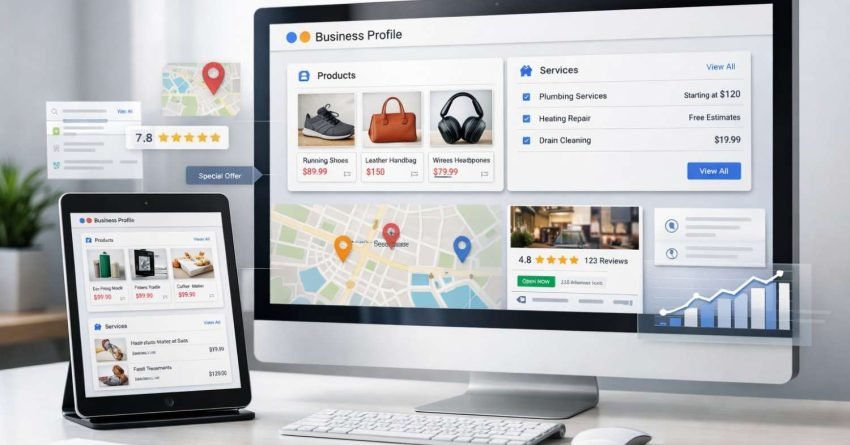
Setting up products and services on your Google Business Profile directly impacts how potential customers discover and evaluate your business in local search results. When configured correctly, these features transform your listing from a basic directory entry into a dynamic showcase that drives qualified traffic and conversions.
Local search continues to dominate consumer behavior. Businesses with complete GMB profiles receive significantly more engagement than those with minimal information. Your products and services sections serve as digital storefronts, giving searchers immediate access to what you offer before they even visit your website.
This guide walks you through the complete setup process, from initial configuration to advanced optimization strategies. You’ll learn exactly how to structure your offerings, write compelling descriptions, and leverage these features for maximum local visibility.
Understanding GMB Products and Services Features
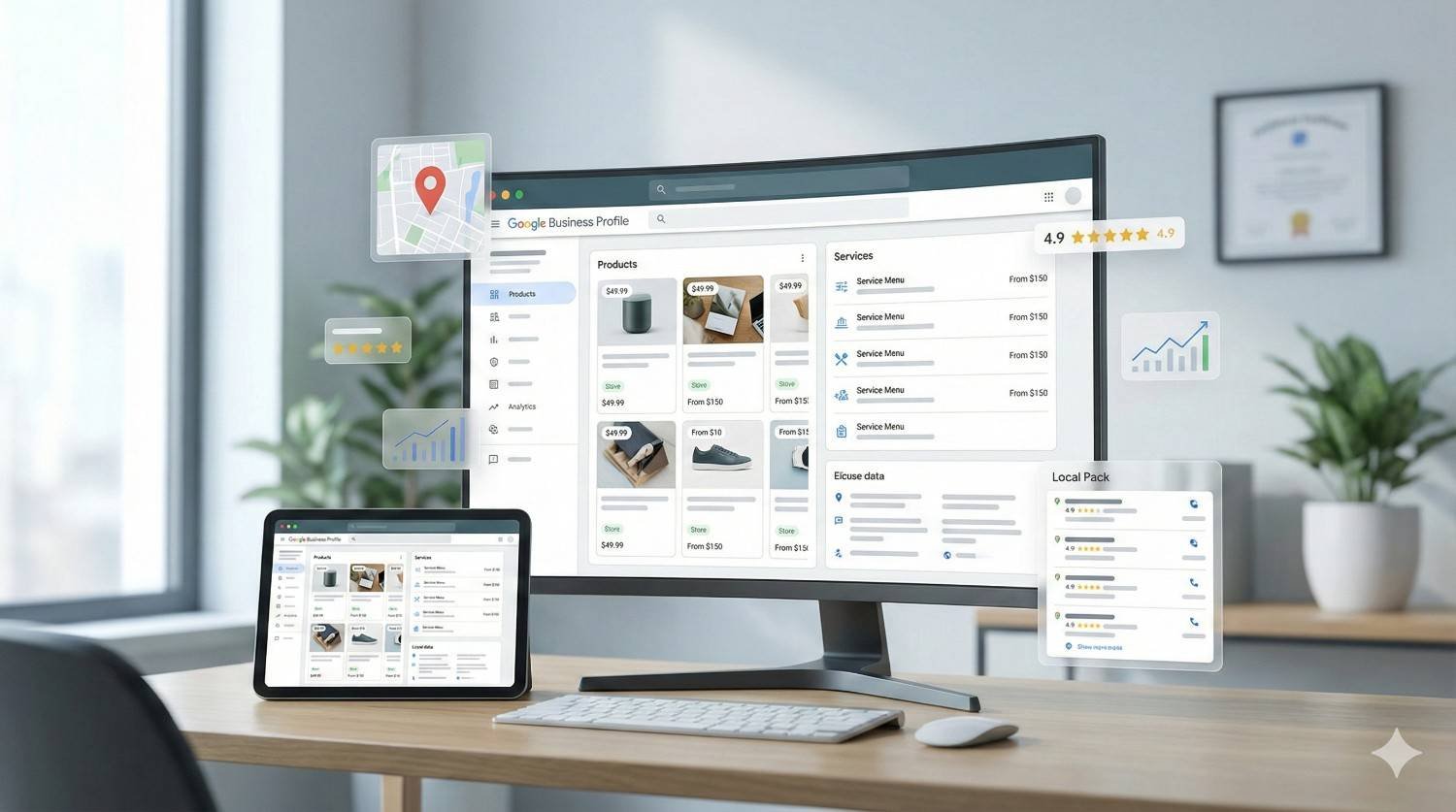
Google Business Profile offers two distinct features for showcasing what your business provides: the Products section and the Services section. While they may seem similar, each serves a specific purpose and appears differently in search results.
The Products feature functions like a mini e-commerce catalog within your listing. It allows you to display individual items with images, prices, descriptions, and direct links. This feature works particularly well for retail businesses, restaurants with specific menu items, and any business selling tangible goods.
The Services section operates differently. It organizes your offerings into categories and subcategories, creating a structured menu of what you provide. Service-based businesses like consultants, contractors, healthcare providers, and professional services benefit most from this feature.
Both features contribute to your listing’s completeness score, which Google uses as a ranking factor for local search results. According to Google’s own documentation, complete profiles are 2.7 times more likely to be considered reputable by consumers.
How Products and Services Affect Local Search Visibility
Google’s local algorithm weighs multiple factors when determining which businesses appear in the Local Pack and Maps results. Your products and services data feeds directly into this algorithm in several ways.
First, the text you include in product and service descriptions becomes searchable content. When someone searches for a specific service you offer, Google can match that query to your listing even if those exact words don’t appear elsewhere in your profile.
Second, these features provide additional context signals that help Google understand your business category and relevance. A plumber who lists “emergency pipe repair” and “water heater installation” as services gives Google clear signals about search queries where that listing should appear.
Third, rich product listings can trigger enhanced SERP features. Businesses with well-configured products may appear in Google Shopping results, product carousels, and other visual search elements that capture attention and clicks.
Setting Up Products on Your Google Business Profile
The product setup process requires attention to detail and strategic thinking about how customers search for what you sell. Here’s the complete process for configuring this feature effectively.
Accessing the Products Section
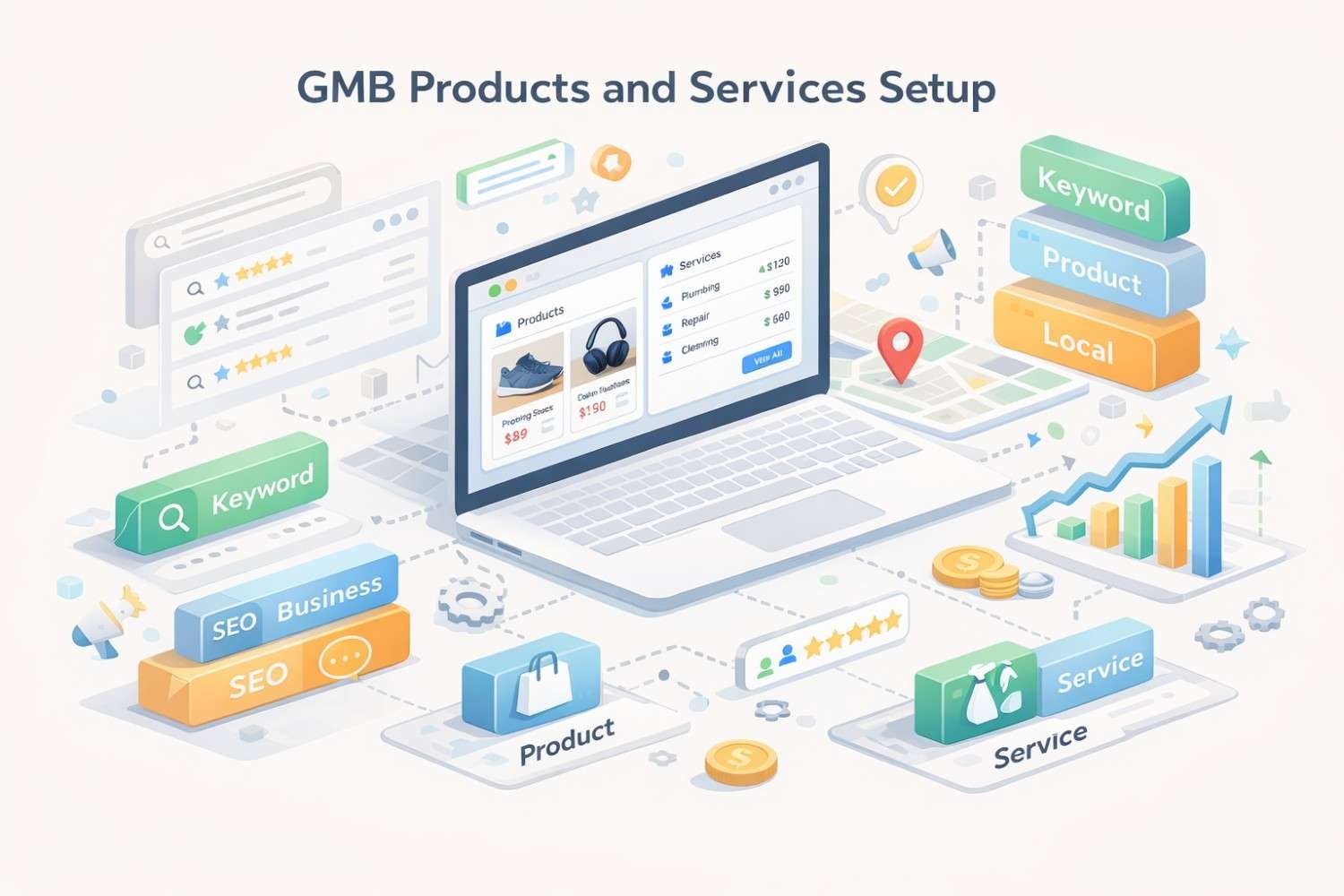
Log into your Google Business Profile through business.google.com or the Google Business Profile Manager app. Navigate to your listing and locate the “Products” option in the left-hand menu. If you manage multiple locations, select the specific location you want to edit first.
For new profiles, you may need to complete basic setup steps before the Products section becomes available. Google requires verification and basic information completion before unlocking all features.
Creating Product Categories
Before adding individual products, establish your category structure. Google allows you to create custom categories that organize your products logically. Think about how customers browse and search when designing this structure.
Effective category organization follows these principles:
Match customer mental models. If you run a bakery, categories like “Cakes,” “Pastries,” “Breads,” and “Special Orders” align with how customers think about your offerings.
Keep categories manageable. Aim for 4-8 main categories. Too many creates confusion; too few fails to provide useful organization.
Use searchable terms. Category names should include words customers actually use when searching. “Wedding Cakes” performs better than “Celebration Confections.”
Adding Individual Products
For each product, you’ll need to provide several pieces of information:
Product name: Keep this clear and descriptive. Include the specific product type and any distinguishing characteristics. “12-inch Pepperoni Pizza” works better than just “Pizza.”
Category assignment: Place each product in the most relevant category you’ve created.
Price: You can enter a fixed price, a price range, or leave this blank. Including pricing information increases click-through rates because it pre-qualifies interested customers.
Description: You have up to 1,000 characters to describe each product. Use this space strategically to include relevant keywords, highlight benefits, and differentiate from competitors.
Product image: High-quality images significantly impact engagement. Use well-lit photos with clean backgrounds that accurately represent the product.
Product link: Direct customers to a specific page on your website where they can learn more or purchase. This drives qualified traffic directly to conversion-focused pages.
Writing Effective Product Descriptions
Product descriptions serve dual purposes: they inform potential customers and provide keyword-rich content for search algorithms. Balance both objectives with these techniques.
Start with the most important information. Lead with what makes this product valuable or unique. Customers scanning quickly should immediately understand the key benefit.
Include specific details that answer common questions. Dimensions, materials, ingredients, or included features reduce friction in the buying decision.
Incorporate relevant search terms naturally. If customers search for “gluten-free birthday cake,” and you offer one, that phrase should appear in your description. Avoid keyword stuffing, which reads poorly and may trigger spam filters.
End with a subtle call to action. Phrases like “Order online for pickup” or “Call to customize your order” guide the next step.
Product Image Best Practices
Visual content dramatically affects engagement with your product listings. Google provides specific guidelines, but going beyond minimum requirements yields better results.
Technical requirements: Images should be at least 250 x 250 pixels, though 1200 x 900 pixels or larger displays better across devices. Accepted formats include JPG, PNG, and GIF (non-animated).
Quality standards: Use professional-quality photos whenever possible. Good lighting, sharp focus, and accurate color representation build trust. Avoid stock photos, which customers recognize and distrust.
Composition guidelines: Show the product clearly against an uncluttered background. For food items, styled shots that show the product in context perform well. For retail products, clean white backgrounds often work best.
Consistency matters: Maintain a consistent visual style across all product images. This creates a professional, cohesive appearance that strengthens brand perception.
Setting Up Services on Your Google Business Profile
Service-based businesses benefit from Google’s structured services feature, which organizes offerings into a clear, browsable format. The setup process differs from products and requires understanding Google’s service category system.
Accessing the Services Editor
From your Google Business Profile dashboard, select “Edit profile” and then navigate to the “Services” section. Alternatively, look for “Services” in the left-hand menu of the Business Profile Manager.
Google may suggest services based on your primary business category. You can accept these suggestions, modify them, or create entirely custom service entries.
Understanding Service Categories and Items
Google’s services structure uses a two-level hierarchy: service categories (also called service types) and individual services within those categories.
Service categories group related offerings together. A dental practice might have categories like “General Dentistry,” “Cosmetic Dentistry,” and “Emergency Services.”
Individual services are specific offerings within each category. Under “General Dentistry,” you might list “Teeth Cleaning,” “Cavity Fillings,” “Dental Exams,” and “X-Rays.”
This structure helps customers quickly find relevant services and helps Google understand the full scope of what you provide.
Adding Custom Services
While Google suggests services based on your business category, you’re not limited to these suggestions. Adding custom services allows you to:
Capture long-tail search queries specific to your offerings Differentiate from competitors who only use default suggestions Highlight specialty services that define your business
To add a custom service, click “Add custom service” within any category. Enter the service name and an optional description. You can also add pricing information if applicable.
Writing Service Descriptions That Convert
Each service can include a description of up to 300 characters. This limited space requires precision and strategic word choice.
Focus on outcomes. Instead of describing the process, emphasize what customers gain. “Professional deep cleaning that eliminates stubborn stains and extends carpet life” outperforms “We use hot water extraction equipment.”
Include differentiators. What makes your service unique? Certifications, guarantees, specialized equipment, or experience levels all provide reasons to choose you.
Add relevant keywords. Think about how customers search for this specific service. Include those terms naturally within your description.
Mention logistics when relevant. If you offer same-day service, evening appointments, or mobile service, these details influence buying decisions.
Service Pricing Options
Google allows several pricing formats for services:
Fixed price: Best for standardized services with consistent pricing. “Oil Change – $39.99”
Price range: Useful when pricing varies based on factors like project size or complexity. “Kitchen Remodeling – $15,000 – $50,000”
Starting price: Indicates minimum cost while acknowledging variation. “Website Design – Starting at $2,500”
Free: Appropriate for consultations, estimates, or promotional offerings.
No price: When pricing requires consultation or varies too much to display.
Including pricing information pre-qualifies leads and sets appropriate expectations. Businesses that display pricing often report higher-quality inquiries because price-sensitive customers self-select before contacting you.
Optimizing Products and Services for Local SEO
Simply adding products and services isn’t enough. Strategic optimization ensures these features contribute maximum value to your local search visibility.
Keyword Research for Products and Services
Effective optimization starts with understanding how customers search for what you offer. Conduct keyword research specifically focused on your products and services.
Use Google’s autocomplete. Type your service or product type into Google and note the suggestions. These represent actual search patterns.
Analyze competitor listings. Review how top-ranking competitors describe similar offerings. Note terminology and phrasing that appears consistently.
Check Google Trends. Compare different ways of describing the same offering to identify which terms have higher search volume.
Review your website analytics. If you have existing traffic data, identify which search terms bring visitors to relevant pages.
Incorporate discovered keywords into product names, descriptions, and service listings. Prioritize terms with clear commercial intent that indicate readiness to purchase or hire.
Aligning Products and Services with Business Categories
Your primary and secondary business categories should align with your products and services. Misalignment creates confusion for both Google’s algorithm and potential customers.
If you’re a “Pizza Restaurant” but your products focus heavily on pasta dishes, consider whether your category selection accurately represents your business. You might add “Italian Restaurant” as a secondary category.
Similarly, ensure your services match what customers expect from your business category. A “Personal Injury Lawyer” listing services for “Estate Planning” might benefit from adding that as an additional category.
Maintaining Fresh and Accurate Information
Google favors active, well-maintained listings. Regular updates to your products and services signal that your business is engaged and information is current.
Seasonal updates: Rotate products or services based on seasonality. A landscaping company might emphasize “Snow Removal” in winter and “Lawn Care” in summer.
New offerings: Add new products or services promptly when you introduce them. This keeps your listing comprehensive and may capture searches for trending items.
Price adjustments: Update pricing when it changes. Outdated prices create poor customer experiences and may violate Google’s policies.
Remove discontinued items: Don’t leave products or services listed that you no longer offer. This prevents customer frustration and wasted inquiries.
Leveraging Products and Services for Posts
Google Business Profile posts can reference your products and services, creating additional visibility opportunities. Create posts that:
Highlight featured products with direct links to product listings Announce new services with descriptions that match your services section Promote seasonal offerings that align with updated product categories Share customer success stories related to specific services
This cross-referencing strengthens the connection between different elements of your profile and provides multiple pathways for customer engagement.
Common Setup Mistakes and How to Avoid Them
Even experienced marketers make errors when configuring GMB products and services. Understanding common pitfalls helps you avoid them.
Incomplete Information
Leaving fields blank reduces your listing’s effectiveness. Every empty field represents a missed opportunity to provide relevant information and capture search queries.
The fix: Complete every available field for each product and service. If pricing isn’t applicable, select the appropriate option rather than leaving it blank. Write descriptions for all items, even if brief.
Generic Descriptions
Copying manufacturer descriptions or using vague language fails to differentiate your business and misses keyword opportunities.
The fix: Write unique descriptions that reflect your brand voice and include locally relevant terms. Mention your city or service area when appropriate. Highlight what makes your offering different from competitors.
Poor Image Quality
Low-resolution, poorly lit, or irrelevant images damage credibility and reduce engagement.
The fix: Invest in quality product photography. If professional photography isn’t feasible, learn basic smartphone photography techniques. Use natural lighting, clean backgrounds, and multiple angles.
Mismatched Categories
Placing products or services in wrong categories confuses customers and may reduce visibility for relevant searches.
The fix: Review your category structure from a customer perspective. Ask yourself where a customer would expect to find each item. Test by having someone unfamiliar with your business navigate your listings.
Keyword Stuffing
Overloading descriptions with keywords creates unnatural text that reads poorly and may trigger Google’s spam detection.
The fix: Write for humans first. Include relevant keywords naturally within well-constructed sentences. Read descriptions aloud to check for awkward phrasing.
Neglecting Mobile Experience
Most local searches happen on mobile devices. Products and services that display poorly on small screens lose potential customers.
The fix: Preview your listings on mobile devices. Ensure images display correctly, descriptions are readable, and key information appears without excessive scrolling.
Measuring Products and Services Performance
Google Business Profile provides insights that help you understand how products and services contribute to your local visibility and customer engagement.
Key Metrics to Track
Views: How often your products or services appear in search results and on your profile. Increasing views indicates improved visibility.
Clicks: How often customers click on individual products or services. High clicks relative to views suggests compelling listings.
Direction requests: Customers who view products or services and then request directions show strong purchase intent.
Phone calls: Calls generated after viewing products or services indicate these features are driving qualified leads.
Website clicks: Traffic to product or service pages on your website from GMB listings.
Analyzing Performance Data
Review performance data monthly to identify trends and opportunities:
Top performers: Which products or services generate the most engagement? Consider featuring these more prominently or creating related offerings.
Underperformers: Items with low views or clicks may need better descriptions, images, or positioning. Test changes and monitor results.
Seasonal patterns: Note how engagement changes throughout the year. Use this data to plan seasonal updates and promotions.
Comparison to competitors: While you can’t see competitor data directly, you can infer relative performance by monitoring your search visibility and market position.
Using Insights to Improve
Performance data should drive continuous improvement:
A/B testing: Try different descriptions, images, or pricing displays for similar products. Compare results to identify what resonates with your audience.
Expansion opportunities: High-performing categories may warrant additional products or services. Customer interest signals market demand.
Content refinement: Low engagement despite good visibility suggests your listings aren’t compelling. Revise descriptions and images based on what works for top performers.
Advanced Strategies for Product and Service Optimization
Once basic setup is complete, advanced strategies can further enhance your local search performance.
Integrating with Google Shopping
For retail businesses, connecting your GMB products with Google Merchant Center enables appearance in Google Shopping results. This integration:
Expands visibility beyond local search to product-specific searches Enables shopping ads and free product listings Provides additional analytics on product performance
Setup requires creating a Merchant Center account, uploading a product feed, and linking to your Business Profile. The technical requirements are more complex but the visibility benefits are substantial for e-commerce-enabled businesses.
Creating Service-Specific Landing Pages
Each service listed in your GMB profile should ideally link to a dedicated page on your website. These landing pages:
Provide detailed information that exceeds GMB’s character limits Enable conversion tracking and lead capture Support broader SEO efforts with service-focused content Create opportunities for internal linking and topical authority
Ensure landing pages are mobile-optimized, load quickly, and include clear calls to action.
Coordinating with Review Strategy
Encourage customers to mention specific products or services in their reviews. Reviews that reference particular offerings:
Provide social proof for those specific items Add keyword-rich content to your listing Help potential customers find relevant feedback
After completing a service or selling a product, ask customers to share their experience with that specific offering in their review.
Multi-Location Considerations
Businesses with multiple locations face additional complexity. Each location may offer different products or services, require location-specific pricing, or serve distinct customer segments.
Maintain location-specific listings: Don’t simply duplicate products and services across all locations. Customize based on what each location actually offers.
Reflect local pricing: If prices vary by location due to market conditions or costs, ensure each listing shows accurate local pricing.
Highlight location-specific specialties: If certain locations specialize in particular products or services, emphasize these in their respective listings.
Conclusion
Properly configured GMB products and services transform your Google Business Profile from a basic listing into a powerful local marketing asset. The setup process requires attention to detail, strategic keyword integration, and ongoing maintenance, but the visibility and engagement benefits justify the investment.
Your products and services sections work together with other profile elements to create a comprehensive picture of your business for both search algorithms and potential customers. When optimized effectively, these features capture qualified traffic, pre-sell your offerings, and drive conversions.
Ready to maximize your local search visibility? White Label SEO Service provides comprehensive GMB optimization as part of our full-service SEO solutions. Contact us to discuss how we can help your business dominate local search results and convert more searchers into customers.
Frequently Asked Questions
What is the difference between GMB products and services?
Products are individual items you sell, displayed with images, prices, and descriptions like a mini catalog. Services are organized offerings grouped into categories, better suited for service-based businesses. Products work best for retail and tangible goods, while services suit consultants, contractors, and professional service providers.
How many products can I add to my Google Business Profile?
Google doesn’t publish a strict limit, but most businesses can add hundreds of products across multiple categories. Focus on your most important and popular offerings first. Quality and completeness matter more than quantity for search visibility.
Do GMB products and services affect local search rankings?
Yes, these features contribute to your listing’s completeness score and provide additional keyword-rich content that Google indexes. Well-optimized products and services help Google understand your business relevance for specific searches, potentially improving your position in local results.
How often should I update my GMB products and services?
Review and update at least quarterly, with more frequent updates for seasonal businesses or when adding new offerings. Regular updates signal to Google that your listing is actively maintained, which can positively influence visibility.
Can I add products if I’m a service-based business?
Yes, service businesses can use the products feature for tangible items they sell, gift cards, packages, or productized services. A salon might list specific treatments as products, while a consultant could list service packages with defined deliverables and pricing.
Why aren’t my GMB products showing in search results?
Products may not display if your listing isn’t fully verified, images don’t meet quality standards, or descriptions violate Google’s policies. Ensure all required fields are complete, images are high-quality, and content follows Google’s guidelines. Allow several days for new products to index.
Should I include prices on my GMB products and services?
Including prices generally improves engagement by pre-qualifying interested customers and setting expectations. If your pricing varies significantly or requires consultation, use price ranges or “starting at” formats. Only omit pricing if it would genuinely mislead customers.
How do I track performance of my GMB products and services?
Google Business Profile Insights provides data on views, clicks, and customer actions. Monitor these metrics monthly to identify top performers and underperforming listings. Use this data to refine descriptions, update images, and adjust your product and service mix.
Can I link GMB products to my e-commerce website?
Yes, each product can include a link to a specific page on your website. For e-commerce businesses, link directly to product pages where customers can purchase. This drives qualified traffic and enables conversion tracking through your website analytics.
What image size works best for GMB products?
Google requires minimum 250 x 250 pixels, but 1200 x 900 pixels or larger displays better across devices. Use high-resolution images with good lighting and clean backgrounds. Consistent image styling across all products creates a professional, trustworthy appearance.


