

A suspended Google Business Profile can eliminate your local visibility overnight, cutting off the customer calls, direction requests, and website visits that drive revenue. Whether you’re facing a soft suspension that limits editing capabilities or a hard suspension that removes your listing entirely, understanding the recovery process is essential for restoring your local search presence.
GMB suspensions happen more frequently than most business owners realize. Google’s automated systems and manual reviews flag thousands of profiles daily for guideline violations—sometimes legitimately, sometimes in error. The difference between businesses that recover quickly and those that struggle for months often comes down to understanding why the suspension occurred and executing a strategic reinstatement approach.
This guide walks you through the complete GMB suspension recovery process, from identifying your suspension type to submitting successful reinstatement requests and preventing future issues.
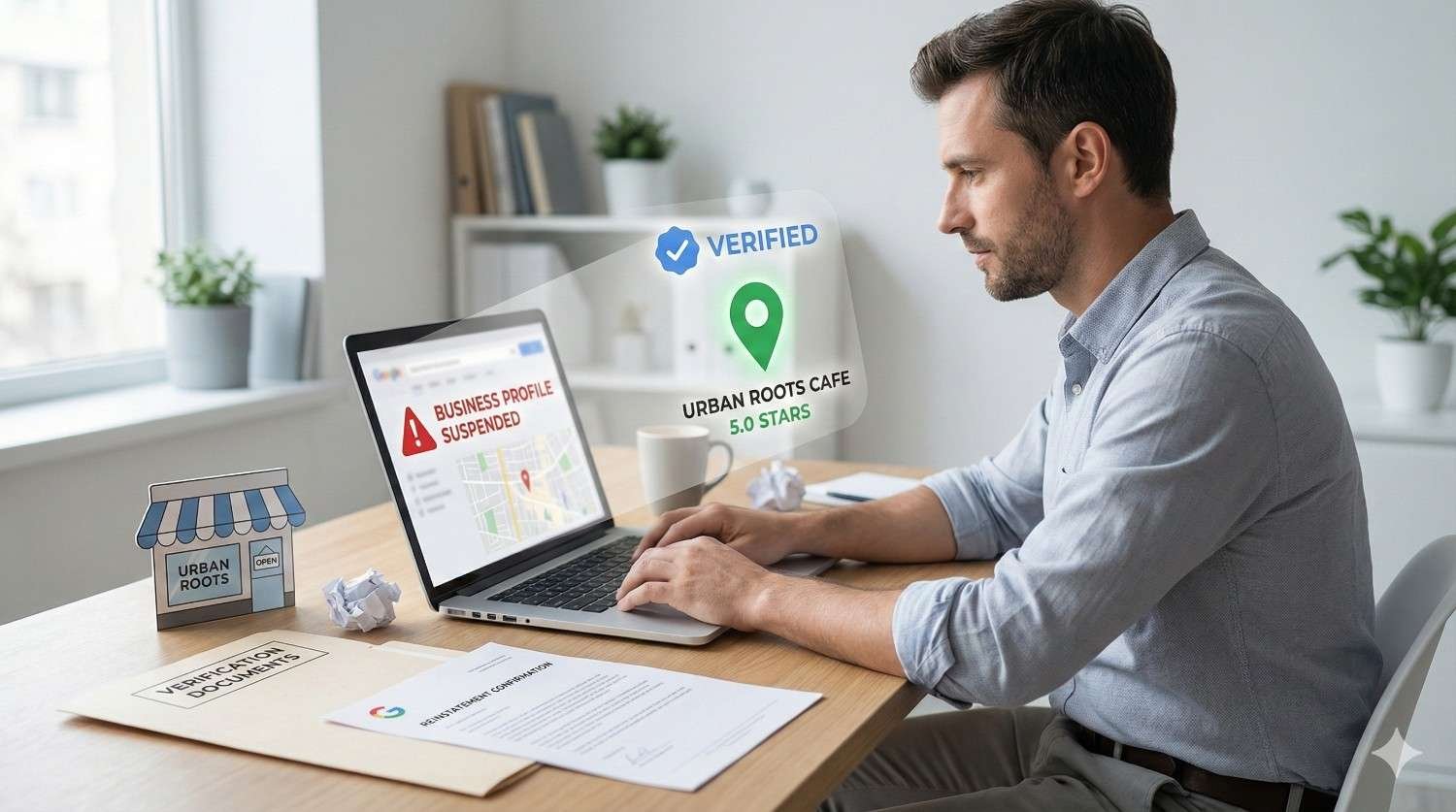
Understanding GMB Suspensions and Why They Happen
Google Business Profile suspensions occur when Google determines that a listing violates their guidelines or appears suspicious. The platform uses a combination of automated detection systems and manual reviews to identify problematic profiles, and the consequences range from minor editing restrictions to complete removal from Google Maps and local search results.
The impact on local businesses is significant. According to BrightLocal’s 2024 Local Consumer Review Survey, 87% of consumers used Google to evaluate local businesses in the past year. A suspended profile means losing visibility at the exact moment potential customers are searching for your services.
Common Causes of GMB Suspensions
Understanding why suspensions happen helps you both recover your current listing and prevent future issues. Google’s guidelines exist to maintain search quality and protect users from misleading information.
Business Information Violations
The most frequent suspension trigger involves inaccurate or misleading business information. This includes using a business name that contains keywords or location modifiers not part of your legal business name, listing an address where you don’t have a physical presence, or claiming a service area that doesn’t reflect your actual operations.
Verification and Ownership Issues
Google suspends profiles when verification appears fraudulent or when multiple people attempt to claim the same listing. Businesses operating from virtual offices, co-working spaces, or residential addresses face heightened scrutiny because these locations are frequently associated with spam listings.
Quality and Spam Signals
Automated systems flag profiles exhibiting spam patterns: sudden changes to business information, suspicious review activity, duplicate listings, or characteristics matching known spam networks. Even legitimate businesses can trigger these systems through innocent actions like updating their address during a move.
Category and Service Misrepresentation
Selecting inappropriate business categories or claiming services you don’t actually provide violates Google’s guidelines. This includes listing categories for services that represent a minor portion of your business or using categories that don’t match your primary business activity.
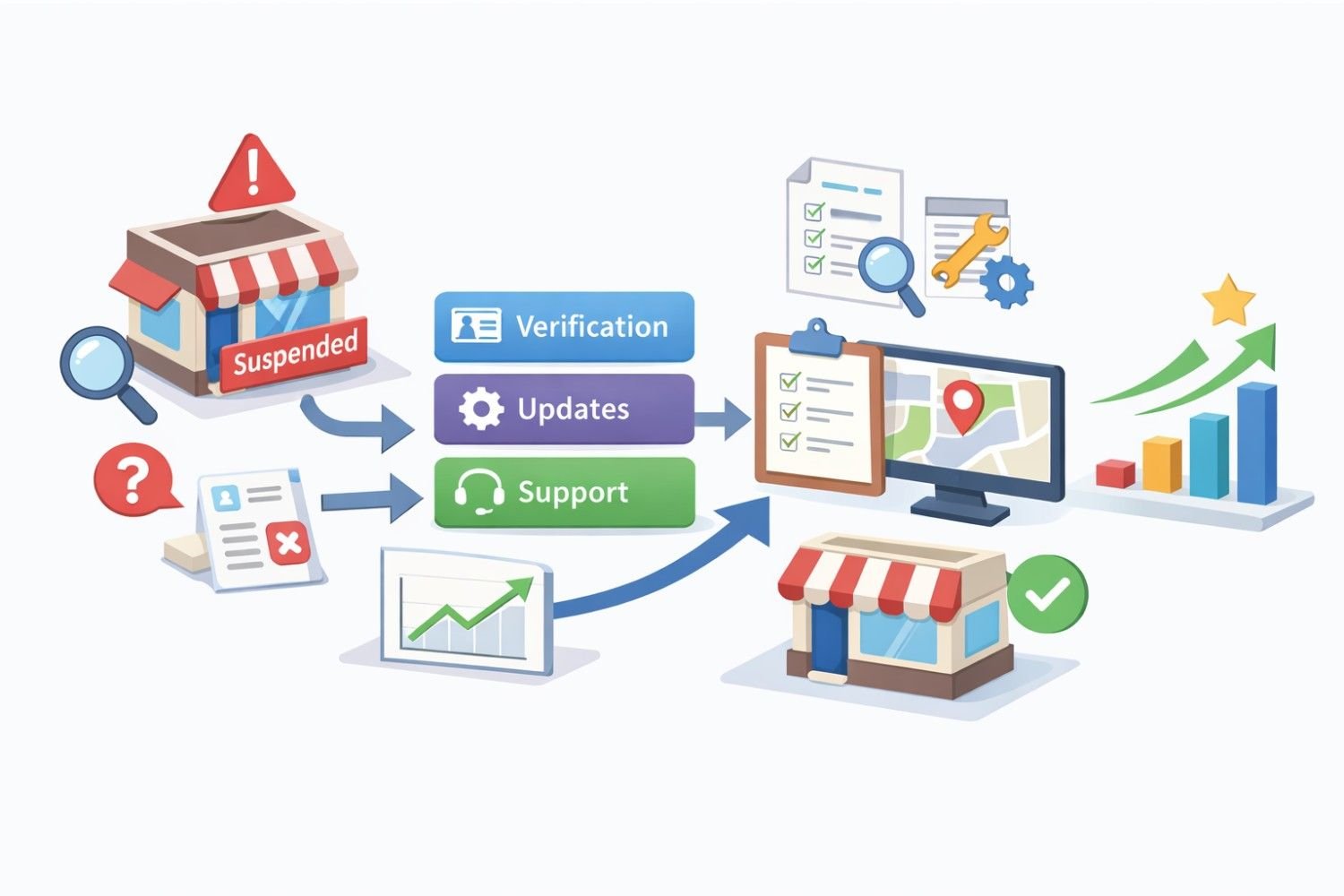
Types of GMB Suspensions
Not all suspensions are equal. Identifying your specific suspension type determines your recovery strategy and timeline expectations.
Soft Suspensions
A soft suspension restricts your ability to edit your Google Business Profile while keeping your listing visible in search results. You’ll notice this when attempting to make changes—Google either blocks the edits or requires additional verification before publishing updates.
Soft suspensions typically result from:
- Editing business information that triggers automated review
- Making multiple changes in a short timeframe
- Updating details that conflict with Google’s data sources
- Verification issues that don’t warrant complete removal
Recovery from soft suspensions usually involves verifying your identity and business legitimacy through Google’s standard processes. Most businesses resolve soft suspensions within one to three weeks.
Hard Suspensions
Hard suspensions remove your listing from Google Maps and local search results entirely. Your profile may still exist in your Google Business Profile dashboard, but it displays a suspension notice and provides no visibility to potential customers.
Hard suspensions indicate Google believes your listing violates guidelines significantly enough to warrant removal. Common triggers include:
- Operating from an ineligible address
- Business name policy violations
- Suspected fraudulent activity
- Multiple guideline violations
- Association with spam networks
Recovering from hard suspensions requires submitting a formal reinstatement request and often takes four to eight weeks, though complex cases can extend longer.
Disabled Listings
In severe cases, Google disables listings entirely, removing them from both public view and your dashboard access. This typically occurs with repeated violations, confirmed fraud, or legal issues. Disabled listings require escalated support and may not be recoverable.
The GMB Reinstatement Process
Successful reinstatement requires a systematic approach: identify the violation, gather supporting documentation, submit a compelling request, and follow up appropriately.
Step 1: Identify the Suspension Reason
Google doesn’t always specify why your listing was suspended, but you can often determine the cause through careful analysis.
Review the Suspension Notice
Check your Google Business Profile dashboard and associated email for any communication from Google. While notices are often vague, they sometimes indicate the general category of violation.
Audit Your Listing Against Guidelines
Compare every element of your profile against Google’s Business Profile Guidelines. Pay particular attention to:
- Business name (must match your real-world name exactly)
- Address (must be a location where you conduct business)
- Categories (must accurately represent your primary business)
- Service areas (must reflect where you actually serve customers)
Check for Recent Changes
Suspensions often follow profile edits. Review your recent activity to identify what might have triggered automated review.
Assess Your Business Model
Certain business types face higher suspension rates: service-area businesses without storefronts, home-based businesses, businesses at shared addresses, and industries Google considers high-risk for spam.
Step 2: Correct Any Guideline Violations
Before requesting reinstatement, fix any issues you’ve identified. Submitting a reinstatement request without addressing the underlying violation wastes time and may reduce your chances of approval.
Business Name Corrections
If your business name includes keywords, taglines, or location modifiers, remove them. Your GMB name should match your legal business name, signage, and other official documentation exactly.
Address Verification
Ensure your address represents a legitimate business location. If you operate from a virtual office or co-working space, verify that your specific arrangement qualifies under Google’s guidelines. Pure virtual offices without dedicated space typically don’t qualify.
Category Accuracy
Select categories that accurately represent your primary business activity. Remove any categories for services that aren’t central to your operations.
Step 3: Gather Supporting Documentation
Strong documentation significantly improves reinstatement success rates. Prepare materials that prove your business legitimacy and compliance with guidelines.
Essential Documents
- Business license or registration certificate
- Utility bills or lease agreements showing your business address
- Professional licenses (for regulated industries)
- Photos of your business location, signage, and operations
- Tax documents or bank statements showing business activity
Supplementary Evidence
- Website screenshots showing consistent business information
- Social media profiles confirming business details
- Customer invoices or contracts
- Industry association memberships
- Press coverage or directory listings
Step 4: Submit Your Reinstatement Request
Access the reinstatement form through your Google Business Profile dashboard or the Google Business Profile Help Center.
Writing an Effective Reinstatement Request
Your request should be professional, specific, and evidence-based. Avoid emotional appeals or complaints about unfairness—focus on demonstrating compliance.
Structure your request to include:
- Clear identification of your business and listing
- Acknowledgment of any violations you’ve corrected
- Specific explanation of your business legitimacy
- Reference to supporting documentation
- Professional request for review
Example Request Framework
“I am requesting reinstatement of [Business Name] located at [Address]. I have reviewed Google’s Business Profile Guidelines and corrected [specific issue]. My business has operated at this location since [date], as documented by the attached [lease agreement/utility bills/business license]. I have included photos of our storefront and signage confirming our business name. Please review my documentation and reinstate our listing.”
Step 5: Follow Up Appropriately
Google typically responds to reinstatement requests within three to seven business days, though complex cases take longer. If you haven’t received a response within two weeks, follow up through the same channel.
If Your Request Is Denied
Denial doesn’t necessarily mean permanent suspension. Review any feedback provided, address additional concerns, and submit a new request. Some businesses require multiple attempts before successful reinstatement.
Escalation Options
For persistent issues, consider:
- Google Business Profile community forums for guidance
- Twitter support (@GoogleMyBiz)
- Google Business Profile support callback (available in some regions)
- Working with a Google Business Profile specialist
Preventing Future GMB Suspensions
Recovery is only half the battle. Implementing preventive measures protects your listing from future issues.
Maintain Guideline Compliance
Regularly audit your profile against current guidelines. Google updates policies periodically, and practices that were acceptable previously may become violations.
Quarterly Review Checklist
- Verify business name matches official documentation
- Confirm address accuracy and eligibility
- Review categories for continued relevance
- Check service areas for accuracy
- Audit photos for guideline compliance
- Review and respond to recent reviews appropriately
Monitor Your Listing
Set up alerts for changes to your listing. Third-party tools and Google’s own notifications can alert you to unauthorized edits or suspicious activity.
Watch for Warning Signs
- Unexpected verification requests
- Editing restrictions appearing suddenly
- Duplicate listings for your business
- Unusual review patterns
- Changes you didn’t make
Document Everything
Maintain records of your business legitimacy that you can access quickly if suspension occurs. Keep digital copies of:
- Business registration documents
- Lease agreements and utility bills
- Photos of your location and signage
- Correspondence with Google
- Previous verification confirmations
Avoid High-Risk Practices
Certain practices increase suspension risk even when technically compliant:
- Frequent business information changes
- Operating from addresses shared with many businesses
- Using third-party services that access your profile
- Aggressive review solicitation
- Creating multiple listings for the same business
Special Situations and Complex Cases
Some suspension scenarios require specialized approaches beyond standard reinstatement procedures.
Service-Area Business Suspensions
Service-area businesses (SABs) that operate without a customer-facing storefront face unique challenges. Google’s guidelines allow SABs but require that you hide your address and only display service areas.
If suspended as an SAB:
- Verify you’ve properly configured your listing as a service-area business
- Ensure your address is hidden from public view
- Confirm your service areas accurately reflect where you operate
- Provide documentation showing you serve customers in claimed areas
Multi-Location Business Suspensions
Businesses with multiple locations sometimes face bulk suspensions affecting all listings simultaneously. This typically indicates a pattern Google identified across your locations.
Address multi-location suspensions by:
- Auditing all locations for consistent compliance
- Identifying the common factor triggering suspensions
- Submitting reinstatement requests for each location individually
- Considering whether some locations should be consolidated
Suspensions After Business Changes
Moving locations, rebranding, or changing business structure often triggers suspensions. Google’s systems flag significant changes as potential spam indicators.
When making major changes:
- Update information gradually rather than all at once
- Prepare documentation proving the change is legitimate
- Consider creating a new listing rather than modifying existing ones for major changes
- Be prepared for verification requests
Competitor-Related Suspensions
Unfortunately, some suspensions result from competitor manipulation—false reports, fake reviews, or malicious edits. While Google works to prevent abuse, determined bad actors sometimes succeed temporarily.
If you suspect competitor interference:
- Document any evidence of manipulation
- Report the abuse through Google’s channels
- Focus your reinstatement request on proving your legitimacy
- Consider legal options for severe cases
Working with GMB Recovery Specialists
Complex suspensions sometimes benefit from professional assistance. GMB recovery specialists understand Google’s systems, have experience with various suspension types, and often have escalation paths unavailable to individual business owners.
When to Consider Professional Help
- Multiple failed reinstatement attempts
- Unclear suspension reasons despite thorough audit
- Time-sensitive business impact
- Complex business structures or situations
- Lack of internal resources for the recovery process
Choosing a Recovery Service
Evaluate potential providers based on:
- Documented experience with GMB suspensions
- Transparent process and timeline expectations
- Realistic promises (no one can guarantee reinstatement)
- Clear communication and reporting
- References from similar businesses
What Professional Recovery Involves
Reputable GMB recovery services typically:
- Conduct comprehensive guideline audits
- Identify specific violation triggers
- Prepare optimized reinstatement requests
- Manage communication with Google
- Provide ongoing compliance guidance
Conclusion
GMB suspension recovery requires understanding why suspensions occur, systematically addressing violations, and submitting well-documented reinstatement requests. Most businesses can recover their listings within weeks by following proper procedures, though complex cases may require professional assistance or multiple attempts.
The key to successful recovery lies in approaching the process strategically rather than emotionally. Google’s systems exist to maintain search quality, and demonstrating your business’s legitimacy and compliance is more effective than arguing about fairness. Prevention through ongoing compliance monitoring protects your investment in local visibility.
White Label SEO Service helps businesses navigate GMB suspensions and build sustainable local search visibility. Contact our team for expert guidance on recovering your Google Business Profile and protecting your local presence long-term.
Frequently Asked Questions
How long does GMB suspension recovery typically take?
Most GMB reinstatement requests receive initial responses within three to seven business days. Complete recovery typically takes two to four weeks for straightforward cases. Complex suspensions involving multiple violations or unclear causes may require four to eight weeks or longer, especially if multiple reinstatement attempts are necessary.
Can I create a new GMB listing if my old one was suspended?
Creating a new listing to circumvent a suspension violates Google’s guidelines and typically results in the new listing being suspended as well. Google’s systems detect duplicate listings and associate them with suspended accounts. Focus on reinstating your original listing rather than attempting workarounds.
Why was my GMB listing suspended without warning?
Google’s automated systems can suspend listings without prior notice when they detect guideline violations or spam signals. Common triggers include business name policy violations, address eligibility issues, or patterns matching known spam characteristics. Review your listing against Google’s guidelines to identify potential causes.
What documentation do I need for a GMB reinstatement request?
Essential documentation includes business registration or license, proof of address (utility bills, lease agreements), and photos of your business location and signage. Additional helpful documents include tax records, professional licenses, customer invoices, and any materials showing consistent business information across platforms.
Can a competitor get my GMB listing suspended?
While Google has safeguards against abuse, competitors can sometimes trigger suspensions through false reports or malicious edits. If you suspect competitor interference, document any evidence, report the abuse to Google, and focus your reinstatement request on proving your business legitimacy with strong documentation.
What’s the difference between a soft suspension and a hard suspension?
Soft suspensions restrict your ability to edit your listing while keeping it visible in search results. Hard suspensions remove your listing from Google Maps and local search entirely. Soft suspensions typically resolve faster through standard verification, while hard suspensions require formal reinstatement requests.
Should I hire a professional for GMB suspension recovery?
Consider professional help if you’ve had multiple failed reinstatement attempts, can’t identify the suspension cause, face significant business impact from the suspension, or lack time to manage the recovery process. Reputable specialists have experience navigating complex cases and may have escalation options unavailable to individual businesses.
How can I prevent future GMB suspensions?
Maintain strict guideline compliance by regularly auditing your listing, keeping your business name exactly as registered, ensuring address eligibility, and selecting accurate categories. Avoid high-risk practices like frequent information changes, aggressive review solicitation, or operating from shared addresses without proper documentation.
Will my reviews be preserved after GMB reinstatement?
In most cases, reviews are preserved when a suspended listing is reinstated. However, if Google determines reviews were fraudulent or violated guidelines, they may be removed during the reinstatement process. Legitimate reviews from real customers typically remain intact after successful recovery.
What if my GMB reinstatement request is denied?
Denial doesn’t mean permanent suspension. Review any feedback Google provides, address additional concerns, gather stronger documentation, and submit a new request. Many businesses require multiple attempts before successful reinstatement. Consider professional assistance if repeated attempts fail.


