
Google Business Profile is the free local listing tool that controls how your business appears across Google Search, Maps, and the local pack — and every feature inside it directly shapes whether nearby customers find you, trust you, and choose you over competitors.
For business owners and marketing teams, mastering this single platform delivers more local visibility, calls, and walk-ins than almost any other free channel available today.
This guide covers every core feature: business information, categories, photos, reviews, Q&A, messaging, posts, products, booking, insights, service areas, and advanced integrations.
What Is Google Business Profile and Why It Matters
Google Business Profile (formerly Google My Business) is a free business listing platform that lets owners control how their company appears across Google Search, Google Maps, and the local pack. It functions as the public-facing knowledge panel for any business with a physical location or defined service area, displaying contact information, hours, reviews, photos, posts, and dozens of other interactive features.
The platform matters because it sits at the convergence point of three of the highest-intent local search experiences on the web. When someone searches “coffee near me,” “plumber in Austin,” or your exact brand name, the data inside your profile determines whether you appear, where you rank, and how compelling your listing looks compared to nearby alternatives.
How GBP fits inside Google’s local ecosystem
Your profile feeds the local pack (the three-result map module on the SERP), Google Maps results, and your branded knowledge panel simultaneously. Each surface pulls from the same data set but emphasizes different attributes, so optimization decisions ripple across every local touchpoint.
Who should use Google Business Profile
Any business with customers — whether they visit a storefront, receive in-home service, or interact online — qualifies for a profile. The platform supports brick-and-mortar locations, service-area businesses, hybrid models, and certain online-first brands with limited eligibility.
Mastering each feature individually only delivers results when you combine them inside a coordinated optimization framework, which is why our complete GBP optimization guide walks through the full prioritization, setup, and ongoing maintenance process step by step.

Core Business Information Features
The business information section is the foundational data layer that every other feature builds on top of. Inaccurate or inconsistent core information undermines every other optimization effort you make, because Google cross-references your profile data against every other mention of your business across the web.
Key information fields include:
- Business name — must match real-world signage and legal name, with no keyword stuffing
- Address — physical location for storefronts; hidden for service-area businesses
- Phone number — a single primary number with optional additional numbers
- Hours of operation — regular hours, special hours for holidays, and temporary closure flags
- Website URL — your main domain, a location-specific page, or a booking link
- Opening date — establishes business tenure, a minor but real ranking signal
Google uses this data to verify that your business is legitimate, active, and currently operating. Discrepancies between your profile and external citations trigger trust penalties that suppress rankings even when nothing else about your profile is wrong.
Inconsistent business information across the web actively suppresses your local rankings even when your profile itself looks perfect, and our deep-dive on NAP consistency for local SEO explains how to audit every citation, fix mismatches, and maintain data integrity across directories.
Business Categories and Attributes
Categories tell Google what your business does, and attributes tell Google what makes your business distinct. Together they determine which searches your profile is eligible to appear in and which filters customers can use to find you.
The platform offers one primary category and up to nine additional categories drawn from a constantly updated list of thousands of options. Primary category selection is the single most influential on-profile ranking factor available, because it defines the core query universe your profile competes in.
Attribute types include:
- Accessibility attributes — wheelchair access, accessible restrooms
- Amenity attributes — free Wi-Fi, outdoor seating, parking availability
- Service options — delivery, curbside pickup, dine-in, takeout
- Identity attributes — women-owned, veteran-owned, LGBTQ+-friendly
- Payment options — accepted card types, mobile payment support
Many attributes appear as filter chips on Maps results, so they directly control which refined searches surface your profile.
Selecting the right primary category influences which local searches your profile is eligible to appear in more than almost any other on-profile factor, so our breakdown on choosing GBP categories explains how to research, test, and refine category selection for maximum local visibility.

Visual Media Features: Photos, Videos, Logo, and Cover
Visual content is one of the most visible signals on a profile and one of the most measurable in terms of engagement impact. Profiles with regularly updated, high-quality photos consistently outperform profiles with sparse or stale visuals across click-through, direction requests, and call volume.
Supported visual content types include:
- Logo — the small thumbnail that anchors your profile identity
- Cover photo — the large hero image at the top of your profile
- Interior and exterior photos — show your physical space
- Team and at-work photos — humanize the business
- Product or menu photos — visualize your offering
- 360° photos — immersive virtual views of the location
- Videos — short clips up to 30 seconds, served on the profile and in some SERP modules
Photos also feed Google’s image search and contribute to the visual relevance signals that influence local pack rankings. Customer-uploaded photos appear alongside owner photos and cannot be removed unless they violate policy.
Profile photos influence both click-through rate and consumer trust signals that Google reads through engagement data, and our guide on optimizing GBP photos covers ideal dimensions, geotagging considerations, upload cadence, and the specific photo categories that drive the most profile actions.
Reviews and Reputation Features
Reviews are the most influential consumer-facing trust signal on any profile and one of the strongest ranking signals Google uses for the local pack. They influence visibility, click-through rate, and conversion simultaneously, which means review strategy is one of the highest-leverage activities in local SEO.
Review features include:
- Star rating — the overall average displayed on the profile and in SERPs
- Review count — total volume, a separate ranking signal from average rating
- Review content — keywords inside reviews contribute to relevance signals
- Owner responses — public replies visible alongside each review
- Review categories — Google now extracts topic tags from review content
- Review flagging — owners can flag policy-violating reviews for removal
Reviews feed directly into the prominence signal that Google uses to rank profiles in the local pack, and our breakdown of Google Maps ranking factors explains exactly how relevance, distance, and prominence interact to determine local visibility.
Why owner responses matter:
Responding to every review — positive and negative — signals active management, improves perceived trust, and gives Google additional fresh content tied to your profile. Response time and tone influence how prospects perceive your business when they read the review thread.
The platform’s review policies prohibit fake reviews, incentivized reviews, and reviews from people with conflicts of interest. Profiles that accumulate policy violations risk warnings, review removal, and in serious cases account suspension.
Reviews influence ranking, click-through, and conversion simultaneously, which is why our complete framework on managing Google reviews walks through generation strategies, response templates, removal protocols, and how to turn customer feedback into a measurable local SEO advantage.
Questions and Answers (Q&A) Feature
The Q&A section is a public discussion module where anyone — not just past customers — can ask questions about your business, and anyone can answer them. Most businesses ignore it entirely, which creates a significant blind spot in both customer experience and search visibility.
Questions and answers appear directly on your profile and sometimes in the SERP as part of the expanded knowledge panel. Because Google treats Q&A content as user-generated relevance signal, well-managed Q&A can influence which long-tail queries your profile appears for.
Owners can and should proactively seed common questions and answer them as the business — this is permitted under Google’s policy when handled transparently. Active monitoring also prevents misleading answers from third parties from going unchallenged.
Most businesses ignore the Q&A section entirely, which means competitors who actively seed and answer questions capture significant intent-rich visibility, and our forthcoming resource on managing GBP questions and answers <!–NEW PAGE NEEDED–> covers seeding strategy, moderation, and the policy boundaries every owner needs to know.

Messaging and Direct Communication
The messaging feature lets customers send direct messages to your business straight from the profile, bypassing phone calls and contact forms. When configured properly, it shortens the customer decision window significantly and captures intent that would otherwise be lost.
Messaging capabilities include:
- Welcome message — an automated first reply to set expectations
- Mobile management — respond from the Google Maps app
- Response time display — Google shows your average response time publicly
- FAQ automation — answer common questions instantly with saved replies
Response time matters: Google publicly displays it, and slow responses trigger Google to disable messaging on your profile automatically if performance falls below acceptable thresholds.
Direct messaging shortens the customer decision window dramatically when configured properly with response time discipline, and our planned guide on setting up Google Business messaging <!–NEW PAGE NEEDED–> covers welcome message templates, automated routing, and team workflow integration.
Posts, Updates, and Offers
Posts are short content updates that appear directly on your profile and in some SERP modules, giving you a way to communicate timely information without sending customers to an external site. They are one of the few features that put owner-controlled messaging directly in front of high-intent searchers.
Post types include:
- What’s new posts — general updates, announcements, news
- Event posts — time-bound events with start and end dates
- Offer posts — promotions with coupon codes and validity windows
- Product posts — feature specific products with pricing
Each post type supports an image, body text up to roughly 1,500 characters, a call-to-action button, and a destination link. Posts expire after seven days for most types, though events and offers remain visible through their end date.
Consistent posting signals an active, current business and provides additional surface area for keywords, offers, and conversion triggers.
Posts are one of the few features that let you communicate timely offers, events, and announcements directly inside the SERP, and our complete walkthrough on Google Business Posts strategy covers post types, optimal frequency, image requirements, and how to track post-level performance.
Products and Services Features
The products and services modules let you showcase exactly what you offer directly inside your profile, with images, descriptions, pricing, and category groupings. Both modules are heavily under-utilized despite being entirely free and prominently displayed on the profile.
Products feature includes:
- Product name, description, and category
- Pricing (fixed price or price range)
- Product image
- Optional landing page link
- Grouped collections for organization
Services feature includes:
- Service name and description
- Pricing options
- Service category alignment with your business type
- Predefined service lists for common business categories
Both modules contribute to relevance signals by giving Google more structured information about what you actually offer, which can influence ranking for service-specific and product-specific queries.
The products and services modules are heavily under-utilized despite being a free, high-visibility way to demonstrate exactly what you offer to local searchers, and our walkthrough on adding products and services to GBP covers cataloging strategy, pricing display rules, and image optimization.
Booking and Reservation Features
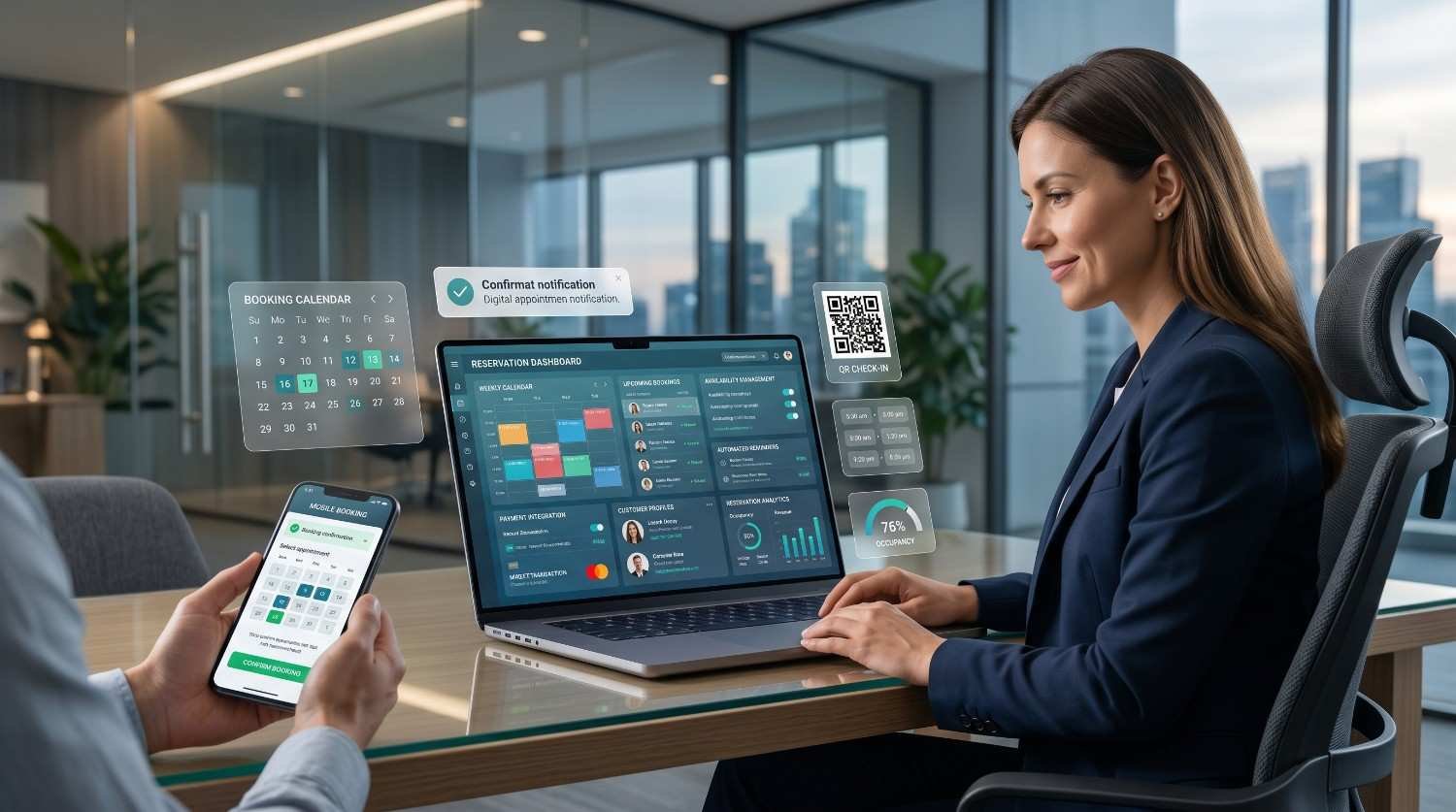
Native booking lets eligible businesses accept appointments directly from the profile, removing every friction point between search and conversion. When configured properly, customers complete a booking without ever leaving the SERP.
Supported business types include restaurants (reservations), salons and spas (appointments), fitness studios (class bookings), and certain professional services. Google integrates with a list of approved third-party scheduling providers that connect to your existing booking system.
Booking visibility includes:
- A “Book” button directly on the profile
- Calendar integration with your existing scheduling provider
- Booking tracking in the Insights dashboard
- SERP-level booking surfaces in some queries
Native booking converts profile views into appointments without the customer ever leaving the SERP, and our upcoming guide on enabling GBP booking <!–NEW PAGE NEEDED–> covers supported scheduling providers, integration steps, and conversion tracking setup.
Performance Insights and Analytics
The performance dashboard inside Google Business Profile reveals exactly how customers find, interact with, and respond to your profile. It is the single most under-used feature on the platform, despite containing the strategic signals that should drive every other optimization decision.
Key performance metrics include:
- Profile views — segmented by Search vs. Maps
- Search queries — the actual terms customers used to find your profile
- Customer actions — calls, website clicks, direction requests, messages
- Photo views — comparison against similar businesses in your category
- Booking and product interactions — conversion-stage data where enabled
- Call analytics — call volume by day of week and time of day
The search queries report is particularly valuable because it shows the real-world search demand reaching your profile, which often reveals keywords and intents that traditional keyword tools miss entirely.
Why this data matters strategically:
Profiles that respond to insights data with feature-level adjustments — adding photos in under-served categories, refining services to match real queries, adjusting hours to match peak call times — consistently outperform profiles that optimize blindly. The dashboard is also where you justify the business case for ongoing local SEO investment.
The Insights dashboard exposes how customers actually find and interact with your profile, but most owners never extract the strategic signals it contains, which is why our deep-dive on reading GBP performance insights translates every metric into a concrete optimization decision.
Service Areas and Location Settings
Service-area businesses — plumbers, electricians, cleaners, mobile services, and similar operators — use the service area feature instead of a public storefront address. The feature defines the geographic radius your business serves, which influences which searches your profile is eligible to appear in.
Service area configuration includes:
- Defined coverage zones by city, postal code, or radius
- Hybrid setup for businesses with both a storefront and a service area
- Hidden physical address (required for pure service-area businesses)
- Up to 20 defined service areas
The feature operates under stricter verification rules than storefront listings because Google has historically struggled with spam in service-area categories. Profile suspensions are more common in this segment, which makes setup accuracy and policy compliance non-negotiable.
Service-area businesses operate under different visibility rules than storefronts and require a distinct ranking strategy entirely, and our resource on service area business SEO explains coverage definition, hybrid setup rules, and how to compete without a public address.

Advanced and Integrated Features
Beyond the core feature set, Google Business Profile integrates with several adjacent products that extend functionality into website hosting, paid advertising, and lead generation. These features sit closer to the commercial edge of the platform and require additional setup decisions about budget, integration, and ongoing management.
Website builder
Google previously offered a free website built directly from profile data. This feature is being phased out, but legacy sites continue to operate and remain a useful fallback for businesses without a primary domain.
Google Ads integration
Profiles connect directly to Google Ads, enabling location extensions, call extensions, and proximity-based bidding for local search and display campaigns. Integration lets paid and organic local strategy work as a single system rather than two parallel efforts.
Local Service Ads integration
For eligible professional services, Local Service Ads sit above the local pack and operate on a pay-per-lead model with Google-backed trust badges. Eligibility, verification, and ongoing management are entirely separate from the core profile but pull data from it.
Multi-location and bulk management
Businesses with ten or more locations qualify for bulk management tools, location group permissions, and API access — all of which become essential as profile counts grow beyond what manual management can sustain.
For multi-location businesses or owners without the bandwidth to manage every feature consistently, partnering with a team that offers professional local SEO services compresses months of trial-and-error into a structured, results-driven engagement built around measurable visibility growth.
Conclusion
Google Business Profile is the operational hub for local visibility, connecting business information, reviews, content, and performance data into a single platform that shapes every local search outcome.
Each feature covered in this guide deserves dedicated attention, and the linked cluster resources go deeper into the strategies, workflows, and policy rules that turn features into measurable visibility growth.
We help businesses turn every GBP feature into a measurable local growth engine — talk to White Label SEO Service today to start scaling your local visibility.
Frequently Asked Questions
Is Google Business Profile free to use?
Yes, Google Business Profile is completely free. Every core feature including listing creation, photos, reviews, posts, messaging, and insights is available at no cost to verified business owners.
What is the difference between Google Business Profile and Google My Business?
They refer to the same product. Google rebranded Google My Business to Google Business Profile in 2022, and most management now happens directly inside Search and Maps rather than a separate dashboard.
Which Google Business Profile feature has the biggest ranking impact?
Primary category selection has the largest single on-profile ranking impact, followed closely by review volume and quality. Together they shape both relevance and prominence signals.
How often should I update my Google Business Profile?
Update core information whenever anything changes and add fresh content weekly through posts, photos, or product updates. Active profiles consistently outperform stale ones in local rankings.
Can I have multiple Google Business Profiles for one business?
Only if you have multiple distinct physical locations or service areas. Creating duplicate profiles for the same location violates policy and triggers suspensions.
Why is my Google Business Profile not showing up in search?
Common causes include verification issues, profile suspensions, category mismatches, missing information, or low prominence signals. New profiles also take time to gain ranking traction.
Should I respond to every Google review I receive?
Yes, responding to every review — positive and negative — signals active management, improves perceived trust, and provides Google with fresh profile content that supports local visibility.